
Renewals, Endorsements and Archive
Renewals, Endorsements and Archive
Renew a Certificate
Use Renew certificate when a new certificate has been issued.
Renewing a certificate:
- Creates a new certificate record with the same title and group.
- Lets you enter the new number, issuer, issue date and expiry date.
- Lets you upload the new certificate file.
- Archives the old certificate automatically.

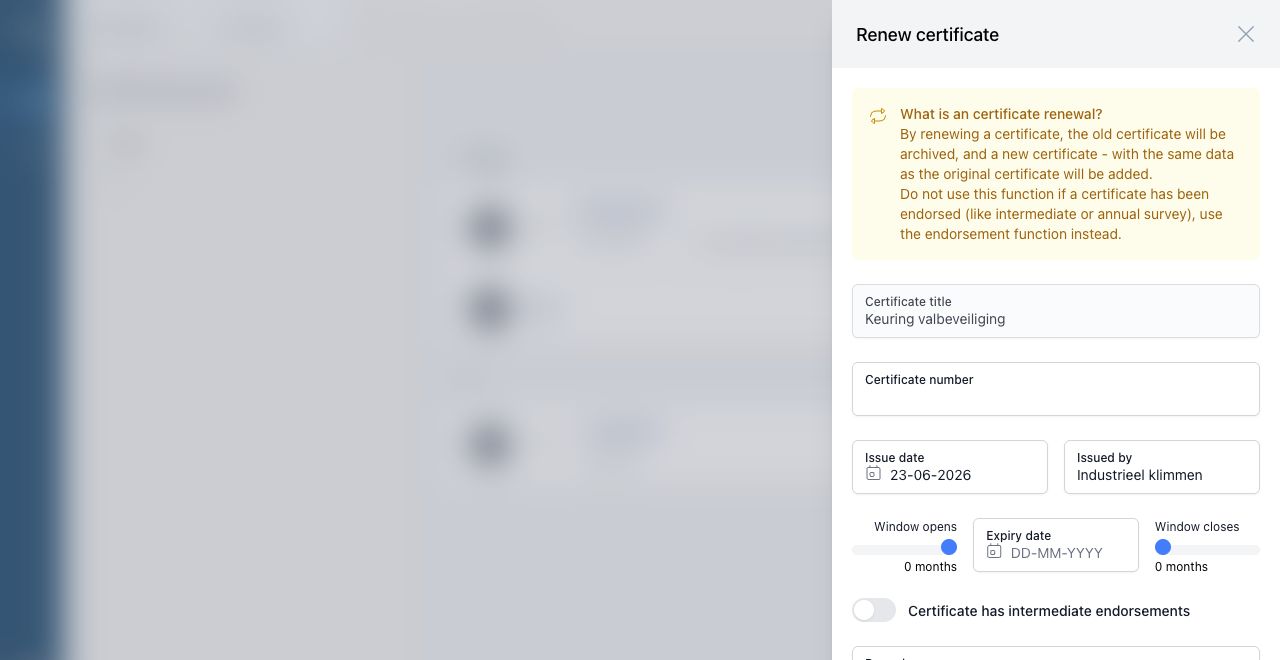
Do not use renewal when the existing certificate has only been stamped or endorsed. Use endorsement instead.
Endorse a Certificate
Use Endorse certificate when an intermediate inspection, annual survey or similar endorsement has taken place and no new certificate has been issued.
When endorsing, enter:
- Date of endorsement
- Endorsed by
- Optional updated attachment
- The next step for the certificate
The next step can be:
| Option | Use when |
|---|---|
| To be endorsed | The certificate needs another future endorsement. |
| To be renewed | The next action should be full renewal. |
Archive a Certificate
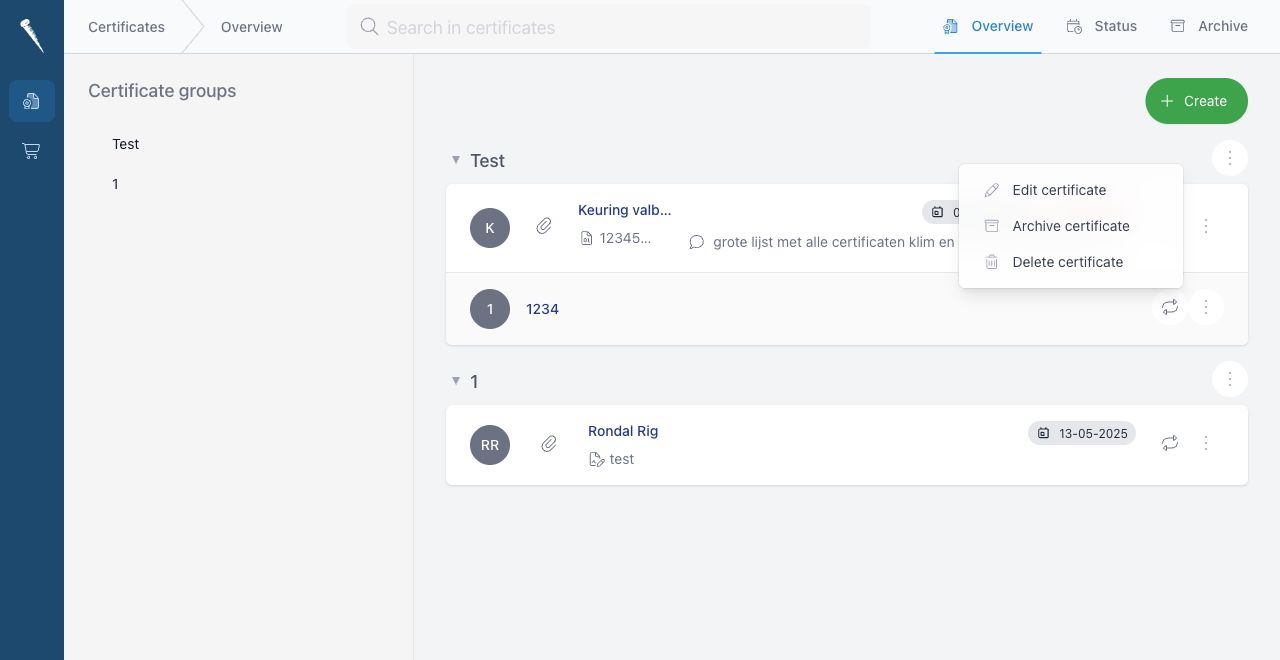
Use archive when a certificate should no longer appear in the active overview.
Open the certificate action menu and select Archive certificate.

Confirm the action.

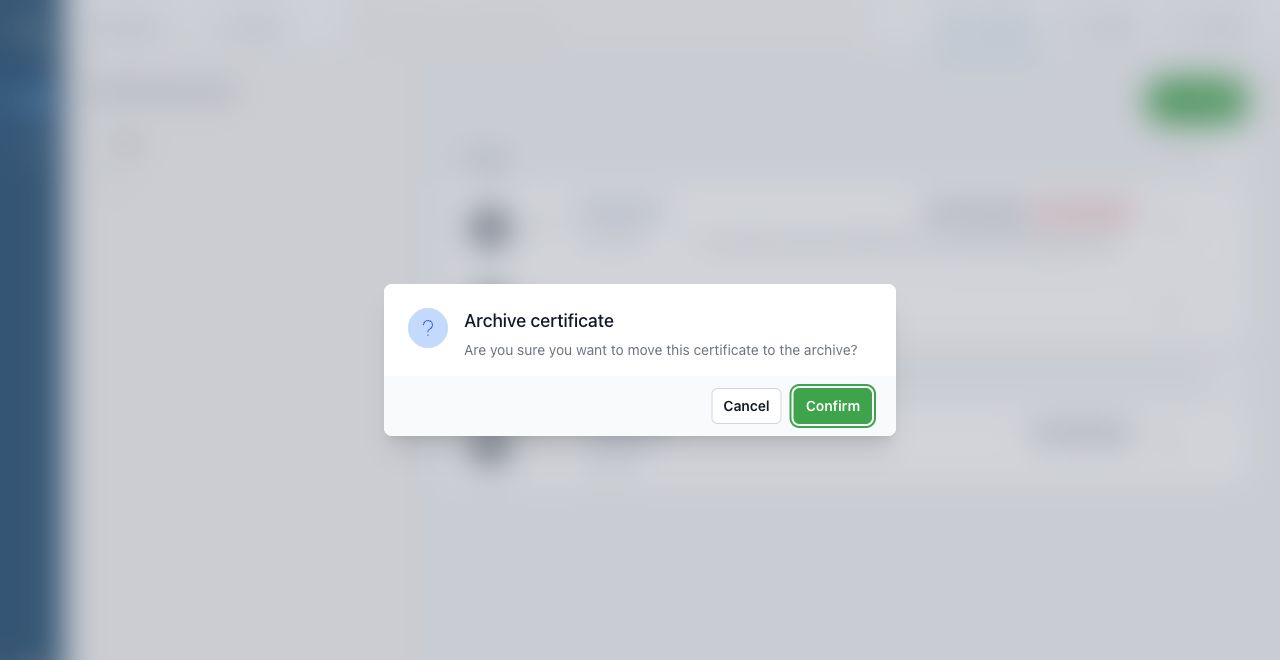
Archived certificates are moved to Certificates > Archive.
Un-archive a Certificate
Go to Certificates > Archive, open the certificate action menu and select Un-archive certificate.
The certificate will return to the active overview.
Delete a Certificate
Use Delete certificate only when the record was created by mistake or should be permanently removed.
Deleting a certificate also removes related files.