Status Overview and Exports
Status Overview and Exports
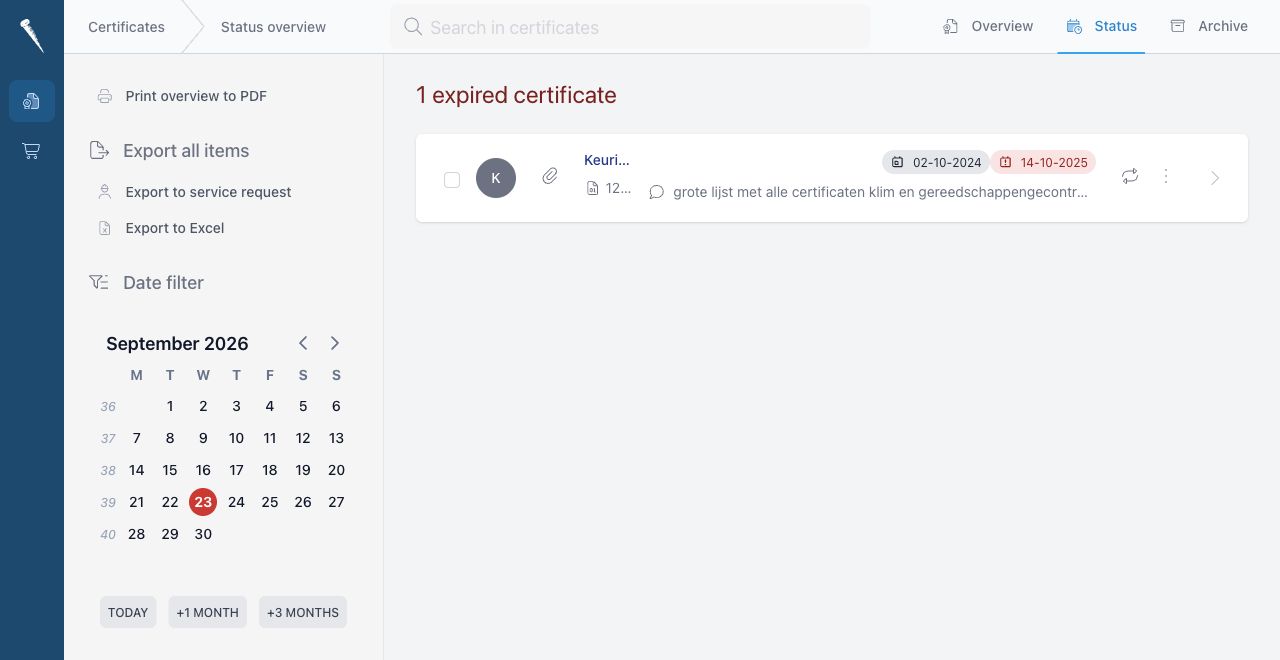
The Status page shows certificates that are expired or due before a selected date.

Expired Certificates
Expired certificates appear at the top of the Status page.
These are certificates where the calculated due date is before today.
Due Certificates
Due certificates appear below the expired certificates.
By default, the Status page looks three months ahead.
Use the date filter to change the due date range.
Quick options are available for:
- Today
- +1 month
- +3 months
Select Certificates
On the Status page, certificates can be selected with checkboxes.
Selected certificates are used for exports. If no certificates are selected, the export includes all shown certificates.
Export to PDF
Select Print overview to PDF to create a printable certificate status overview.
The PDF includes expired and due certificates for the selected date range.
Export to Excel
Select Export to Excel to download the status overview as a spreadsheet.
Use this when you need to share the certificate status list, review it offline or add comments outside Marlinspike.
Search
Use the search field to find certificates by:
- Certificate title
- Issuer
- Certificate number
- Remarks
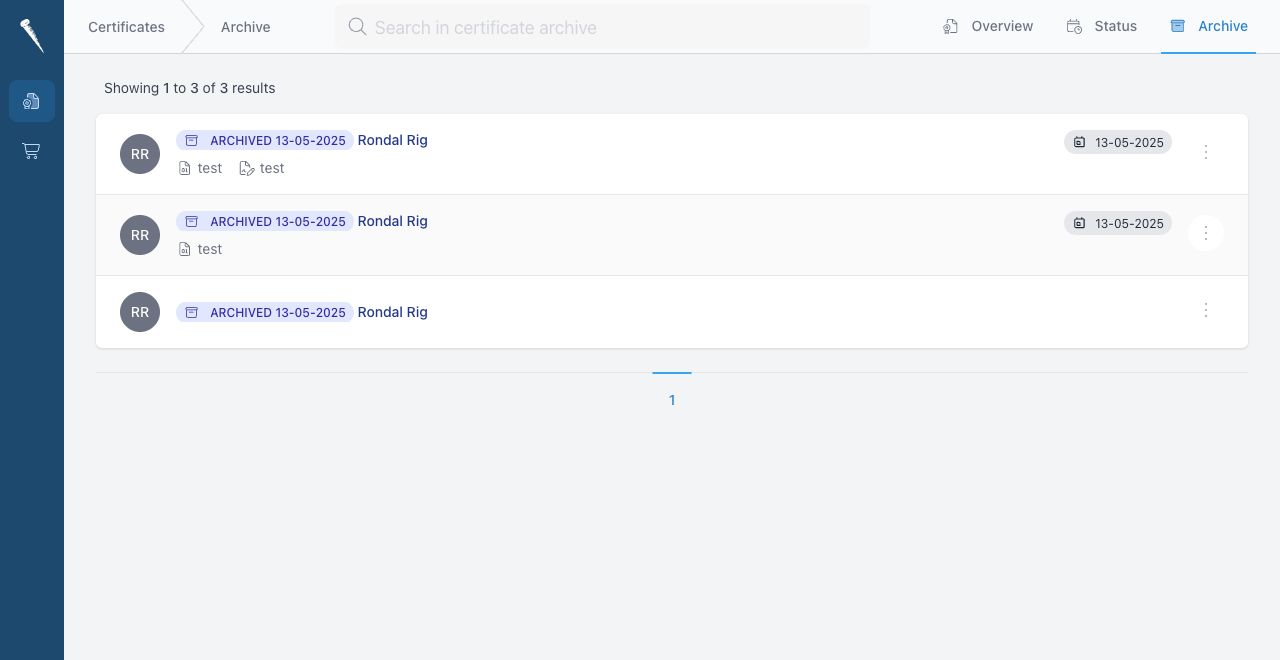
In the Archive tab, the search field searches archived certificates only.