
Inventory
Inventory
The Inventory tab is used for maintenance parts and stock locations.

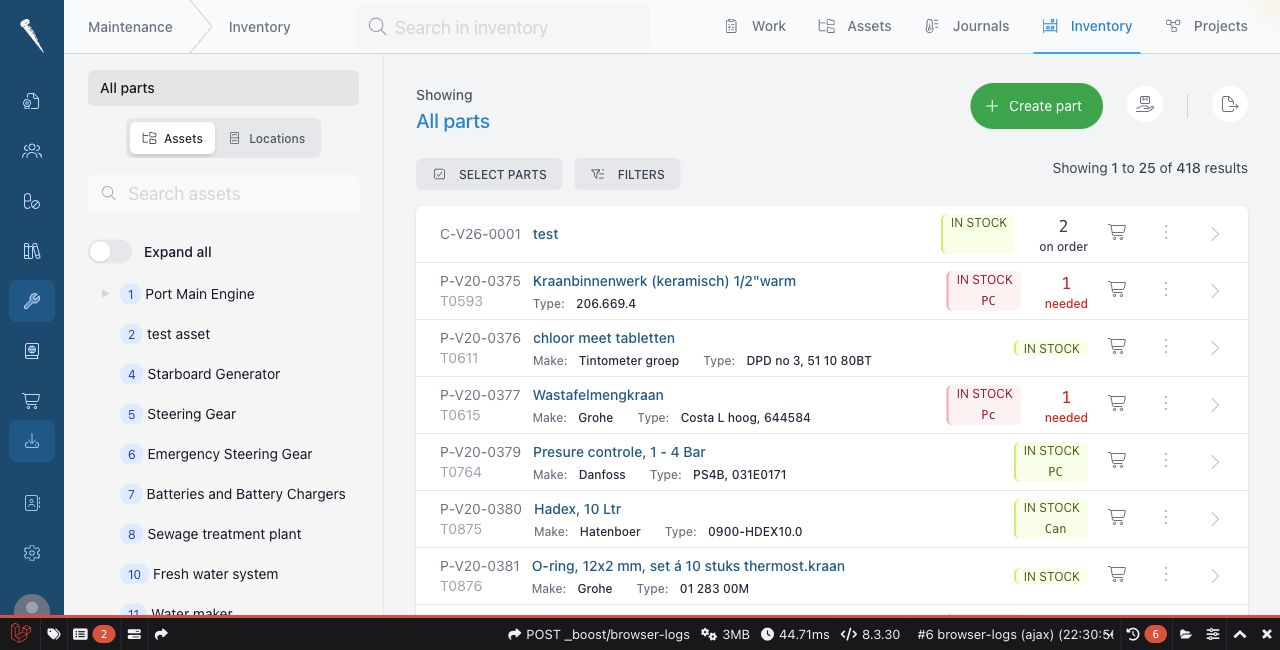
You need Access inventory to open Inventory.
Creating, editing, deleting and linking parts require additional part permissions.
Opening Inventory
Open Maintenance and click Inventory.
Finding parts
Use search or filters to find a part.
Open a part to see stock, linked assets, locations, suppliers and files.
Creating a part
Click New part.
Fill in the part details, such as code, name, description and supplier details.
Add locations when the part is stored on board.
Save the part.
Updating stock
Open the part.
Use the transaction or stock action to add, remove or correct stock.
Select the location and enter the quantity.
Save the transaction.
Linking parts to assets
Open the part or asset.
Use the link action to connect the part to the asset where it is used.
This helps users find the right spare parts from the asset page.
Locations
Inventory uses Vessel Locations from Marlinspike Settings.
Keep location names and codes consistent so stock lists remain readable.