
Projects
Projects
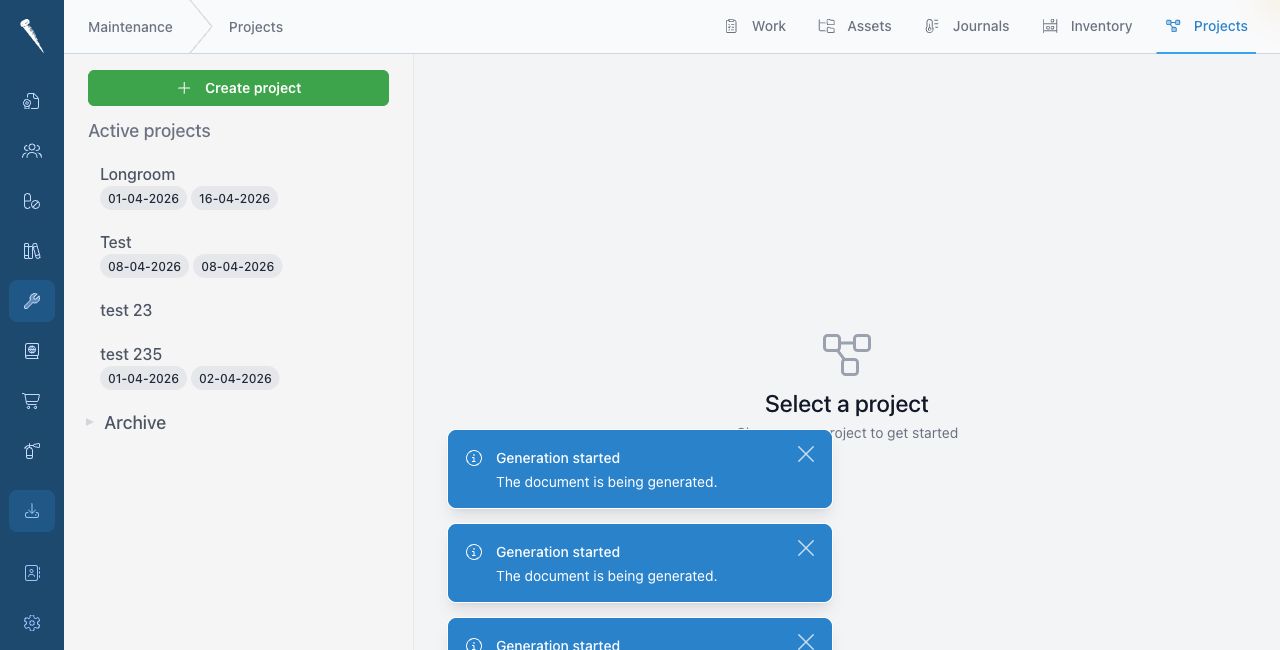
The Projects tab is used to group larger maintenance work.

You need project permissions to access, create, update, delete or archive projects.
Opening Projects
Open Maintenance and click Projects.
Creating a project
Click New project.
Enter the project title and details.
Save the project.
Adding work to a project
Open the project.
Add or link jobs that belong to the project.
A project can also show connected requisitions or orders when purchasing is used for the work.
Editing a project
Open the project and click Edit.
Change the project details and save the changes.
Archiving a project
Archive a project when the work is complete and no longer needs to appear as active.
Archived projects remain available for history.