
Company Settings
Company Settings
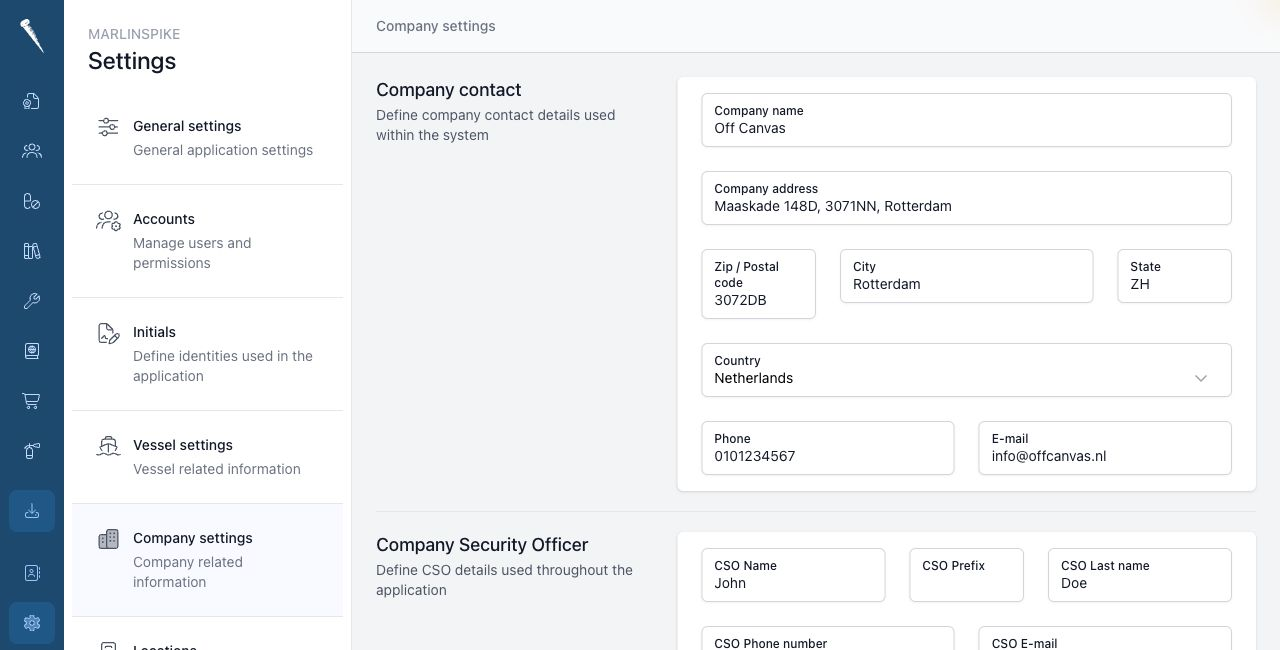
Company Settings contain the company, CSO and manager contact details used by Marlinspike.
You need Access Settings Module and Manage Company Settings to change this page.
Opening Company Settings
Open Settings and click Company.
Editing company details
Change the field you want to update.
The fields are saved automatically.
You can update:
- company name
- address
- postal code
- city
- state
- country
- general e-mail address
- phone number
CSO details
The CSO section contains the Company Security Officer details.
You can update the CSO name, e-mail address and phone number.
The CSO e-mail address must be valid.
Registration and finance details
You can maintain registration and finance fields such as:
- VAT
- Chamber of Commerce
- EORI
- IBAN
- BIC
Manager contacts
You can maintain the ship manager and crew manager names and e-mail addresses.
Manager e-mail fields must be valid when filled in.