
Ranks
Ranks
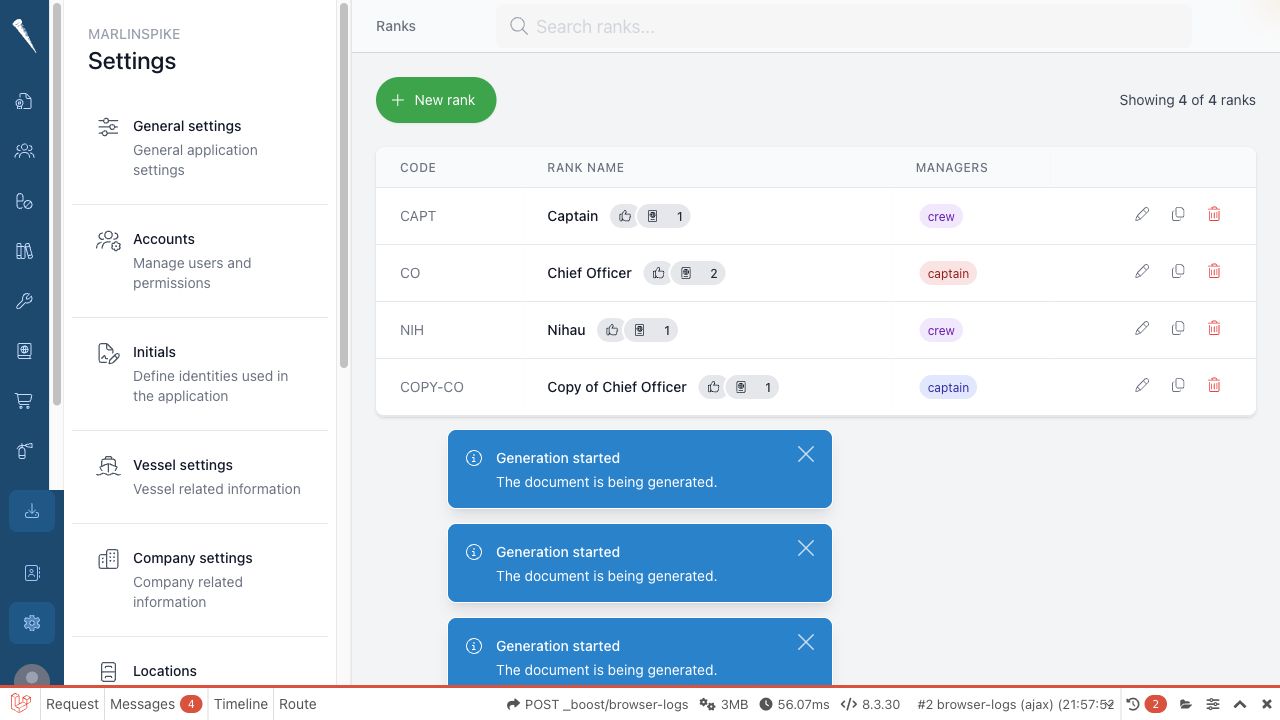
Ranks define the crew ranksare used in crewing, safety, appraisals, safety, permissions and other workflows.

Required permissions
You
needneed:manage
- Access Settings Module
and(settings-access)- Manage Ranks
to(settings-ranks)
Openranks.
Opening Ranks
Open Settings
.Selectand click Ranks.
SearchSearching for a rank
OpenSettings > Ranks.Usein Search ranks.TypeYou
partcanofsearchtheby rank title or rank code.SelectCreating a rank
from the filtered list when you find it.
Type
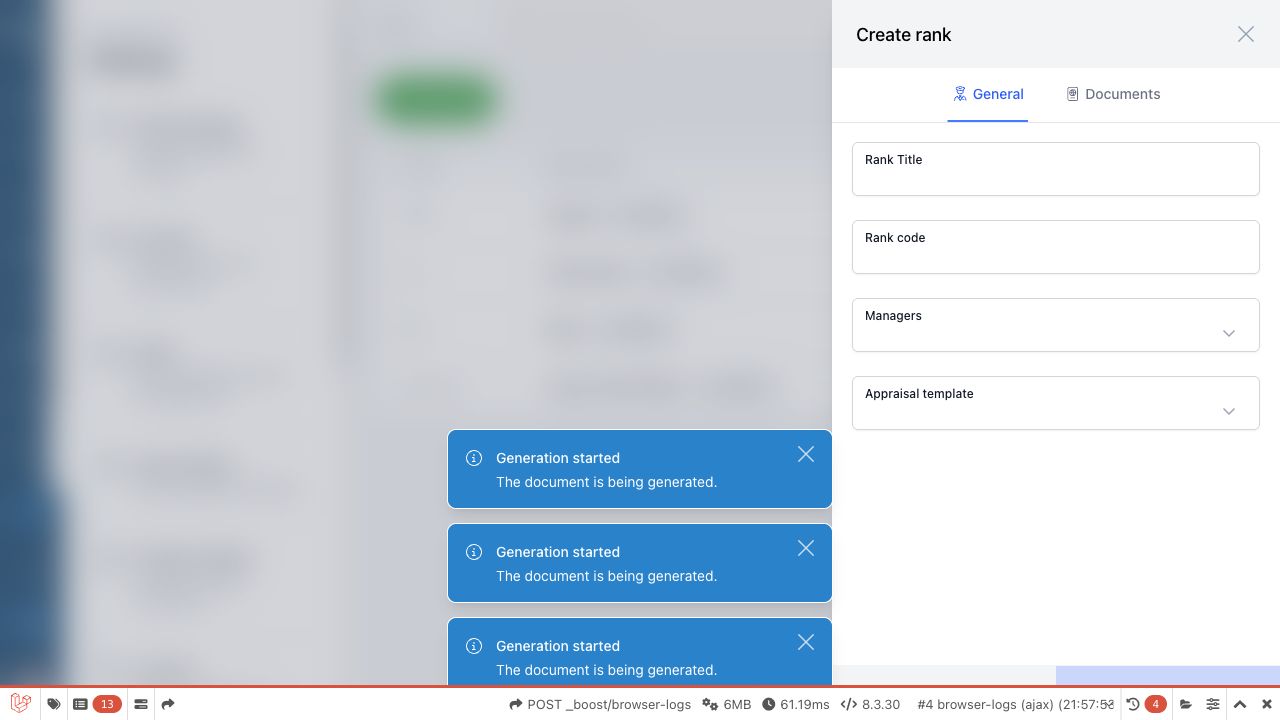
Create a rank
OpenSettings > Ranks.SelectClick New rank.
Fill in the rank
details.details Ifand save theformrank.includes
hierarchy or parent fields, placeIf the rank
inbelongs under another rank or group, select the correctposition.place Savein therank.
EditEditing a rank
OpenSettings > Ranks.Search for the rank if needed.Open the rank.Update the title, code or other rank details.Save the rank.
Duplicate a rank
OpenSettings > Ranks.Open the rank
youfromwantthetolist.copy.Selectthe rank details and save the changes.Duplicating a rank
Open the rank and click Duplicate if the action is available.
AdjustChange the copied
rankdetailsdetails.and Savesave the new rank.
Change
DeleteDeleting a rank
OpenSettings > Ranks.Open or locate the rank.SelectUse the delete
action.action Confirmon thedeletion.
Be careful when deleting ranks that are already used by crew, documents,appraisals, appraisalsdocument templates or permissions.