
Ranks
Ranks
Ranks are used in crewing, safety, appraisals, permissions and other workflows.

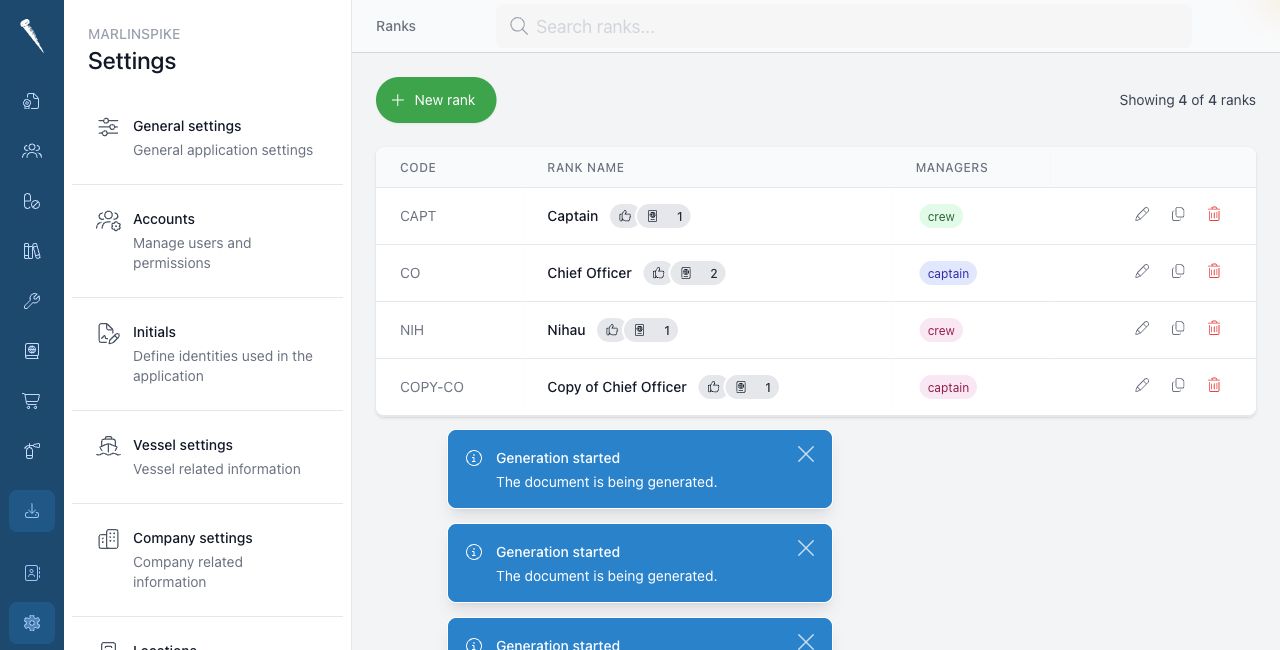
You need Access Settings Module and Manage Ranks to manage ranks.
Opening Ranks
Open Settings and click Ranks.
Searching for a rank
Type in Search ranks.
You can search by rank title or rank code.
Creating a rank
Click New rank.
Fill in the rank details and save the rank.

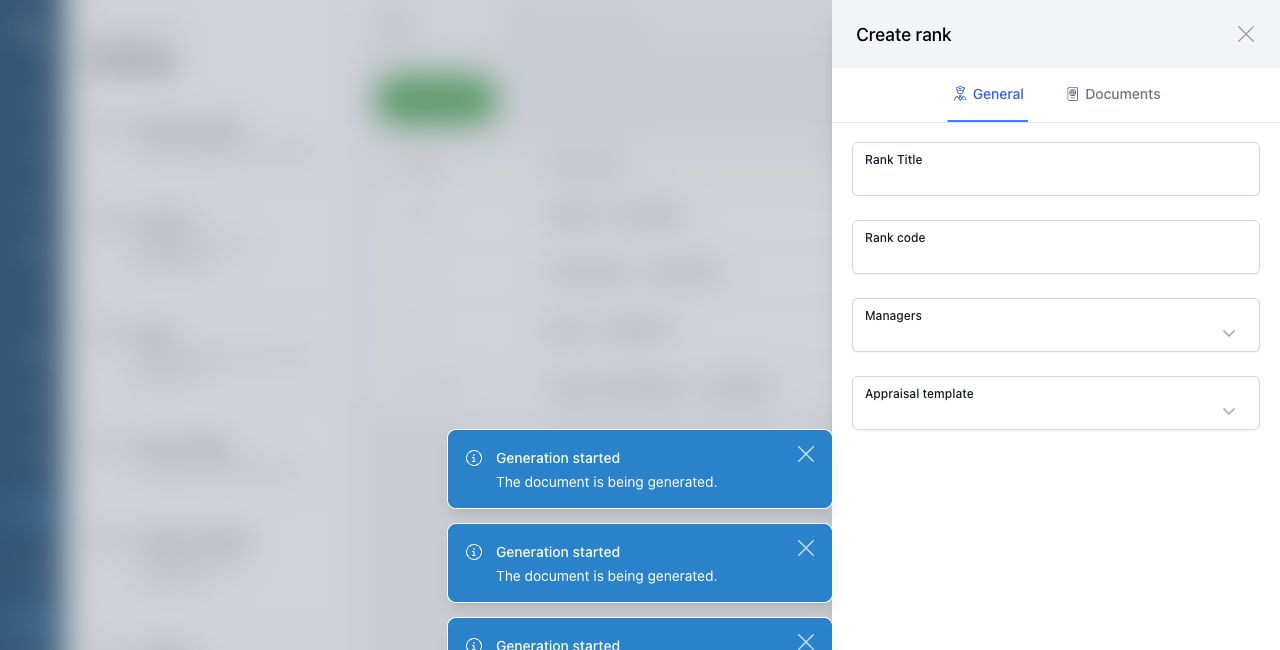
If the rank belongs under another rank or group, select the correct place in the form.
Editing a rank
Open the rank from the list.
Change the rank details and save the changes.
Duplicating a rank
Open the rank and click Duplicate if the action is available.
Change the copied details and save the new rank.
Deleting a rank
Use the delete action on the rank.
Be careful when deleting ranks that are already used by crew, appraisals, document templates or permissions.