
Roles and Permissions
Accounts: Roles and Permissions
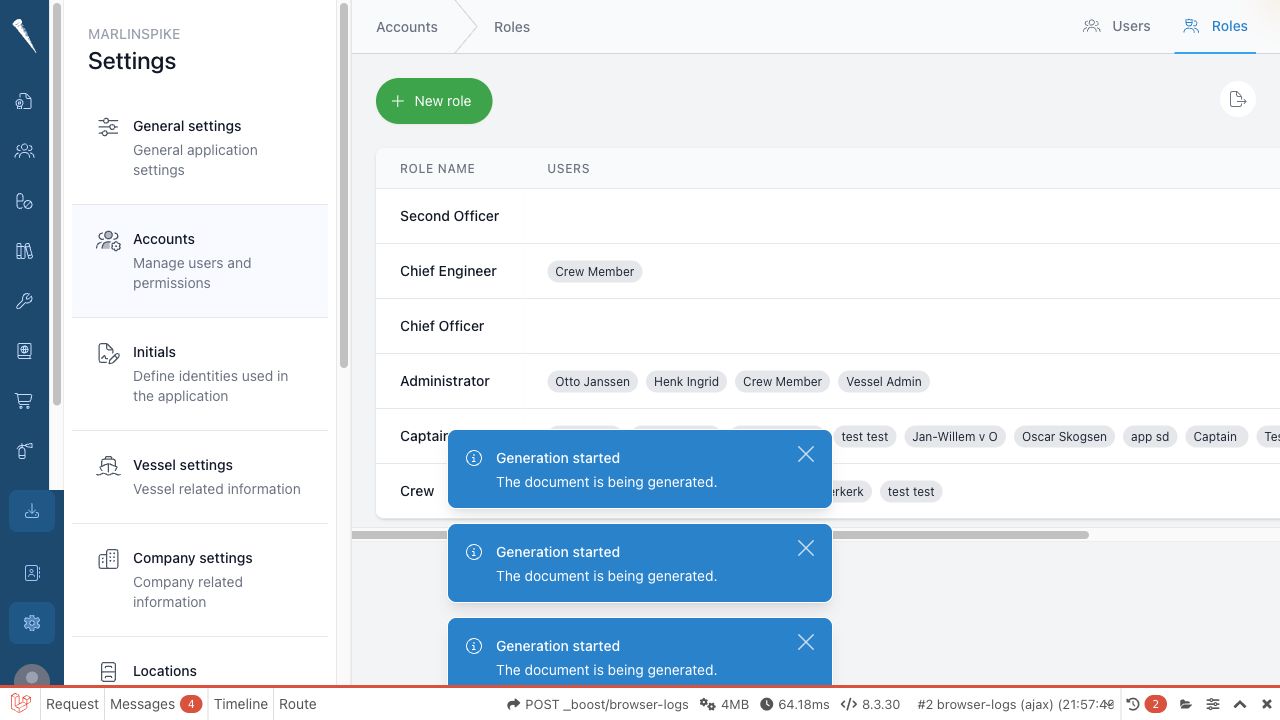
Use Accounts > Roles to manage permission sets. A role groups permissions so they can be assigned to users.

Required permissions
You need:
- Access Settings Module (
settings-access) - Manage Roles (
settings-roles)
Open the roles page
- Open Settings.
- Select Accounts.
- Select the Roles tab.
Create a role
- Open Settings > Accounts > Roles.
- Select New role.
- Enter the role name or title.
- Select the permissions that should belong to the role.
- Save the role.
- Assign the role to users from the user account page.
Edit a role
- Open Settings > Accounts > Roles.
- Select the role you want to change.
- Add or remove permissions.
- Save the role.
Permission changes affect every user assigned to that role.
Delete a role
- Open Settings > Accounts > Roles.
- Find the role.
- Select the delete action.
- Confirm the deletion.
Before deleting a role, check whether users still depend on it for access.
Export the permissions overview
- Open Settings > Accounts > Roles.
- Select the permissions export action if available.
- Download the spreadsheet.
- Use it to review which permissions are assigned to each role.