
Port Directory overview
Port Directory
This book is a user manual for the Port Directory module. It explains how to find, create and maintain port information.
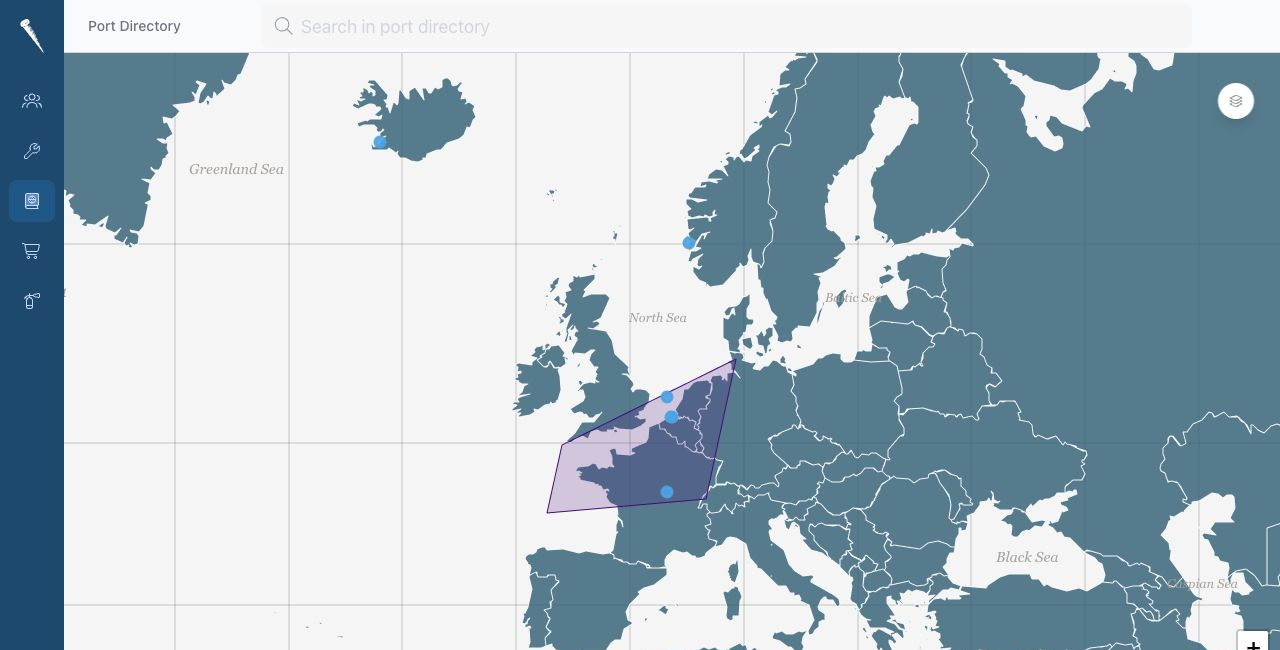
The Port Directory module is used to store and share port, anchorage, area and country information.
Use this module to:
- Search and browse ports.
- Store port location and facility information.
- Add operational notes.
- Store port contacts.
- Upload port documents.
- Add port pictures.

Required Permissions
| Permission | Allows |
|---|---|
| Access port directory module | Open and view the Port Directory. |
| Create new port directory entry | Create new ports, anchorages, areas or countries. |
| Update port directory entry | Edit port information, contacts, documents and pictures. |
| Delete port directory entry | Delete port directory entries. |
If an action is not visible, your account probably does not have the required permission.
Entry Types
Port Directory entries can be:
- Country
- Area
- Port
- Anchorage
Countries and areas help organise the directory. Ports and anchorages contain the operational details.