
Port Directory overview
Port Directory
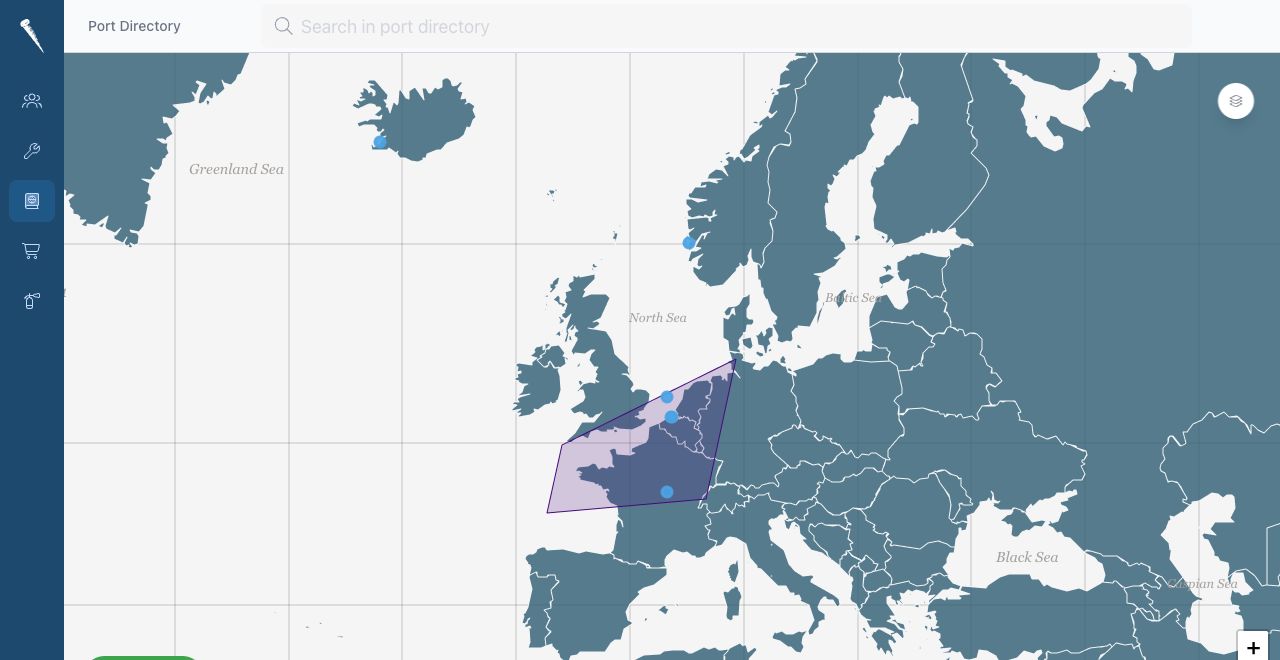
The Port Directory module is used to store and share port, anchorage, area and country information.
Use this module to:
- Search and browse ports.
- Store port location and facility information.
- Add operational notes.
- Store port contacts.
- Upload port documents.
- Add port pictures.

Required Permissions
| Permission | Allows |
|---|---|
| Access port directory module | Open and view the Port Directory. |
| Create new port directory entry | Create new ports, anchorages, areas or countries. |
| Update port directory entry | Edit port information, contacts, documents and pictures. |
| Delete port directory entry | Delete port directory entries. |
If an action is not visible, your account probably does not have the required permission.
Entry Types
Port Directory entries can be:
- Country
- Area
- Port
- Anchorage
Countries and areas help organise the directory. Ports and anchorages contain the operational details.