
Port Entries
Port Entries
OpenPort Directory contains different entry types.
The entry type decides how the item is shown and how it relates to other entries.

You need Port Directory permissions to create or edit entries.
Opening a port fromentry
Open Port Directory.
Click an entry in the Port Directory list toor viewon itsthe detailmap.
Country
Use Country for a country-level page.
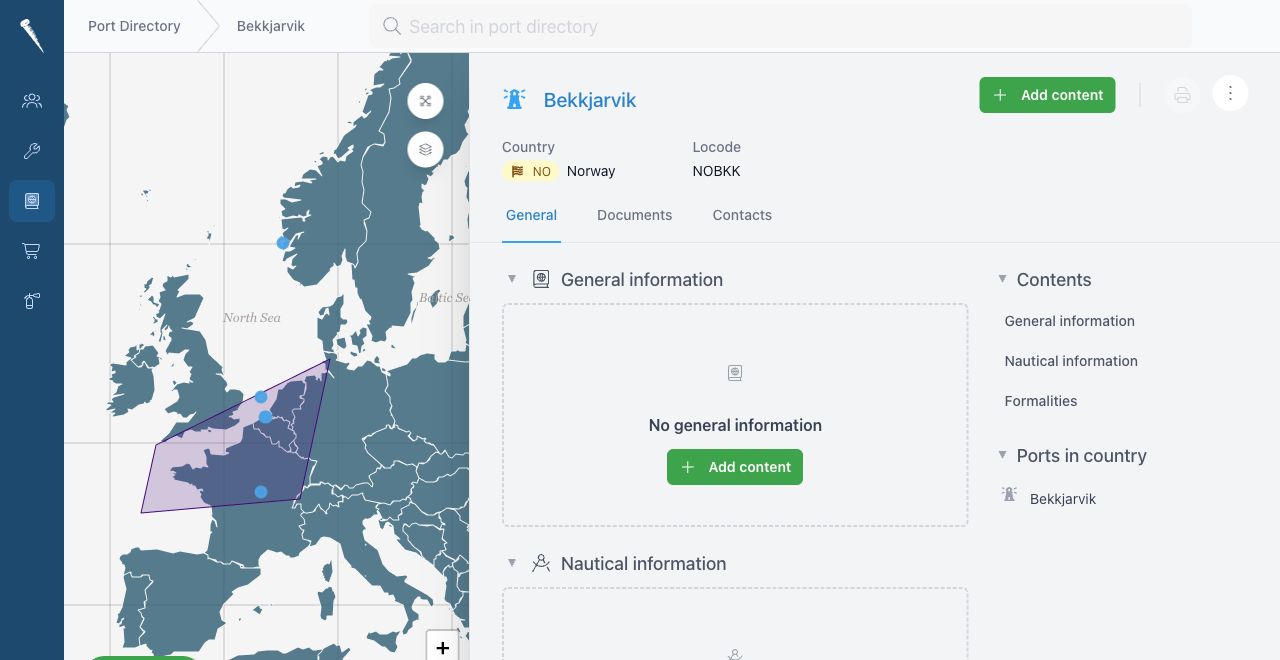
For example:
- national arrival requirements
- country-wide restrictions
- common agency notes
- country contacts
- links to ports in that country
A country entry can group ports and areas by country.
Area
Use Area for a region, port area, river area, bay or operational zone.
An area is useful when several ports or anchorages share the same general information.
For example:
- approach notes for a region
- traffic separation information
- pilot boarding area notes
- common VTS information
- general restrictions for a bay or river
Ports and anchorages can be linked to an area.
Port
Use Port for an actual port call location.
A port entry canshould show:contain the operational information needed when calling at that port.
For example:
Port nameCountryArea- UN/LOCODE
PositioncountryBerthspositionFacilitiesberthsPortfacilities- port pictures
InformationarrivalsectionsproceduresRelatedberthingportsnotes- local
the same area or countrycontacts
Add
Use a port entry when the vessel can arrive, berth, load, discharge or Editclear formalities there.
Anchorage
Use Anchorage for an anchorage location.
An anchorage is separate from a Portport because it may have different procedures, positions and restrictions.
UsersFor withexample:
- anchorage
canposition - holding ground notes
- depth or
editdraft limitations - waiting area information
- VTS or port authority instructions
- tender or launch information
Use an anchorage entry when the vessel may wait, drift, anchor or receive instructions before entering port.
Choosing the right type
Choose the most specific type that matches the information.
CommonUse informationCountry includes:for national information.
Use Anchorage for anchoring or waiting locations. Editing an entryOpen the entry and click Edit. You can update fields such as title, country, area, | berths |
Save the | entry |
Information Sections
sections
Port entries can includeUse information sections for operational notes and local details.notes.
UseGood theseexamples sections for information such as:are:
Arrivalarrival proceduresBerthingberth notesPortagencyservicesnotesLocallocal restrictionsAgency notesUsefuluseful instructions for repeat visits
Pictures
PicturesAdd canpictures bewhen addedthey tohelp supportusers recognition ofrecognise the port, berth, approach or local facilities.